

Building an AI-Powered Workflow: A Practical Guide to Automating Business Tasks
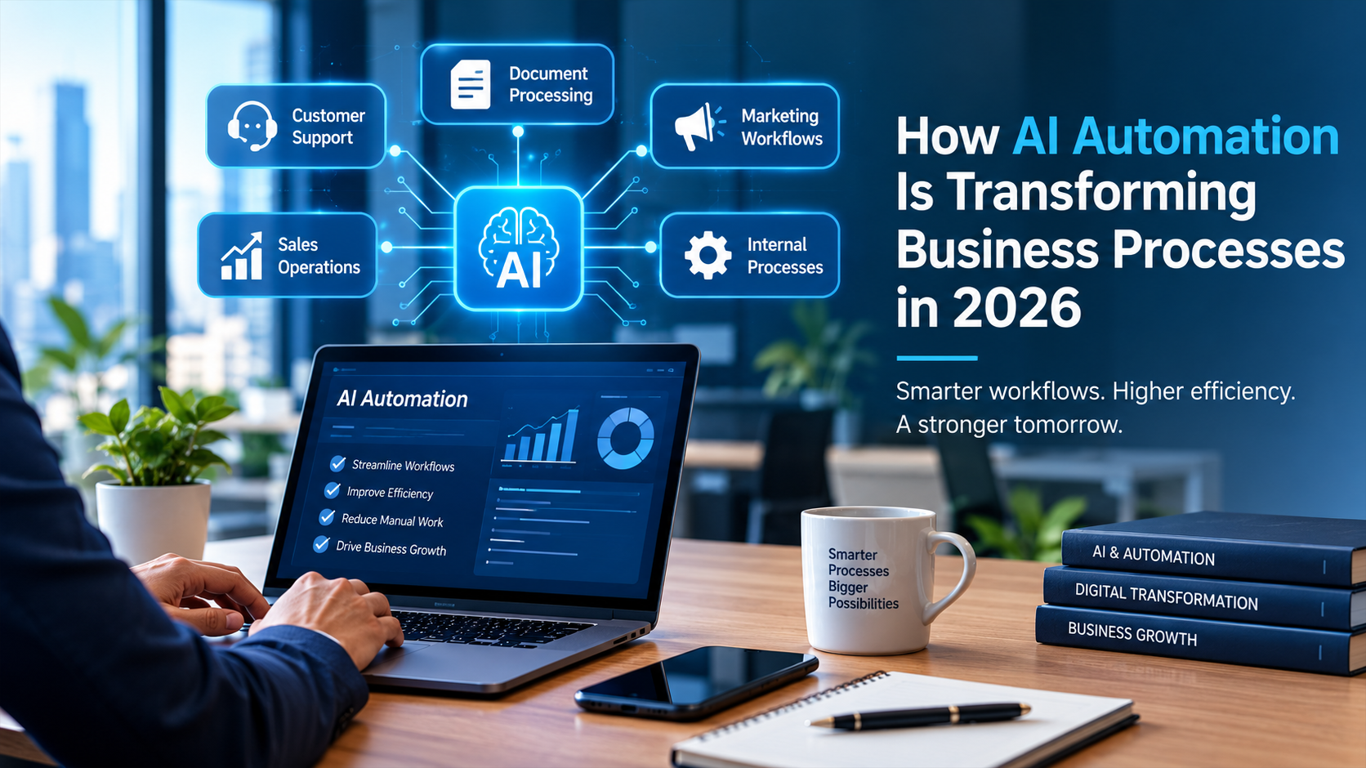
Many business processes still depend on repetitive manual tasks such as collecting information, classifying requests, sending notifications, and updating records. AI can help automate parts of these workflows, but reliable automation requires more than simply connecting an AI model to an application.
What Is an AI-Powered Workflow?
Input
Processing
AI model
Business rules
Human review
Output
Logging/monitoring
Basic Architecture
User/Input → Application → Workflow Engine → AI Model → Validation → Action → Database
Automating Customer Requests
Customer submits a request.
Application receives the request.
Workflow extracts relevant information.
AI classifies the request.
Rules determine the next action.
High-risk cases go to a human.
The result is stored.
The customer receives a response.
Why Validation Matters
AI output shouldn't automatically trigger important business actions without appropriate validation.
Monitoring an AI Workflow
Error rates
Response times
Failed workflows
AI output quality
Human-review rates
Cost per workflow
Security Considerations
API-key protection
Access control
Sensitive data
Input validation
Logging
Prompt injection risks
When AI Automation Should Not Be Used
Deterministic automation may be preferable when a process is predictable and does not require AI
Automating Customer Requests
A simple customer-request workflow can be represented as:
Customer Request
       ↓
Application
       ↓
Input Validation
       ↓
AI Classification
       ↓
Business Rules
       ↓
Human Review (if required)
       ↓
Action
       ↓
Database / Logs
For example, suppose a customer submits:
“I cannot access my account after changing my password.”
The workflow could classify the request as an account-access issue. A business-rule layer can then determine whether the request is safe to handle automatically or should be sent to a support employee.
The important distinction is that the AI model should not necessarily decide the final business action. The model can provide a classification or structured result, while deterministic rules control what happens next.
This separation makes the workflow easier to test, monitor, and modify.
Stronger monitoring section
Monitoring should cover both the technical workflow and the quality of the AI output. Useful metrics include error rates, response times, failed workflow executions, AI output quality, and the percentage of requests requiring human review.
Logs should also record important workflow events without unnecessarily storing sensitive customer information. This makes it easier to investigate failures and identify patterns that require changes to the workflow.
Security section
AI workflows can process customer and business data, so security should be considered at every stage.
Important controls include:
Sensitive data: Avoid sending unnecessary personal or confidential information to an AI model.
Input validation: Validate incoming data before it reaches downstream systems.
Access control: Give workflow components only the permissions they actually require.
Logging: Record important events while avoiding unnecessary sensitive information.
Prompt injection: Treat external text as untrusted input and avoid allowing model output to directly perform privileged operations.
Human review: Require manual approval for actions with significant business or security consequences.
These controls help separate AI-generated suggestions from actions that can directly affect business systems.
Conclusion
AI-powered workflows can automate repetitive business tasks, but reliable automation requires more than connecting an AI model to an application. A practical workflow should validate incoming data, apply business rules, monitor results, and provide human review when decisions carry higher risk.
A simple architecture such as Input → Application → Workflow Engine → AI Model → Validation → Action → Database provides a useful foundation. Teams can then add logging, error handling, security controls, and monitoring as the workflow becomes more important to the business.
The goal is not to use AI everywhere. Instead, AI should be introduced where it can handle useful tasks while deterministic rules and human oversight remain available when they are more appropriate.
Disclosure: This article is published by ANAYANEX Technology and discusses practical approaches to AI-enabled business workflows.